
Steps
1. Login to your cPanel
2. Search for Select PHP Version and click on it -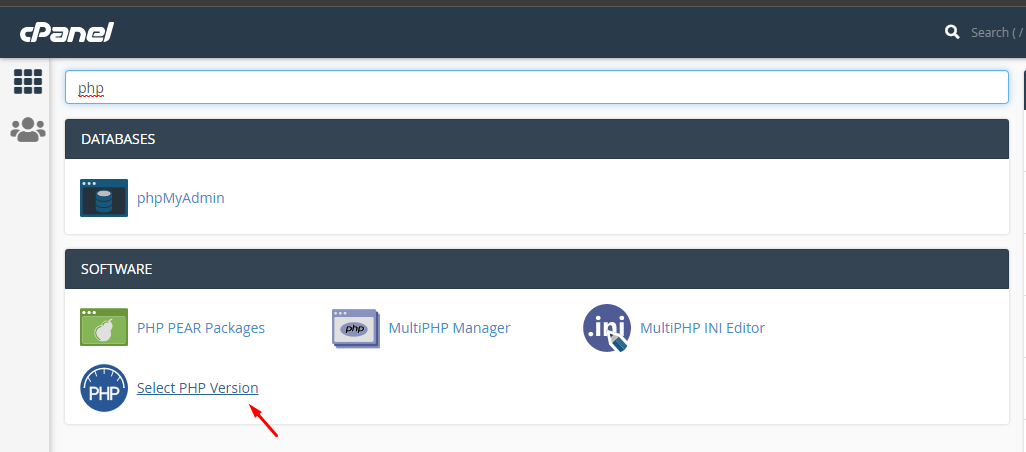
3. Select Options, scroll down and edit the limit respectively - 
4. Input these figures respectively, the limits are saved automatically - 
5. Go back to the cPanel home page and search for MultiPHP INI Editor, click on the drop down and select the appropriate domain name - 
6. Input the limits as before and click Apply - 
7. Search for MultiPHP Manager, click on the box beside your domain name, then click on the drop down, select Inherit and click on Apply -

You can also watch the video below to know how to increase these limits
