
To set up a new hosting package, first sign in to your WHM dashboard using: domainname/whm (replace domainname with your actual domain).

Once logged in, use the search bar at the top to look for “Package.” From the results, select Add a Package to open the setup form.

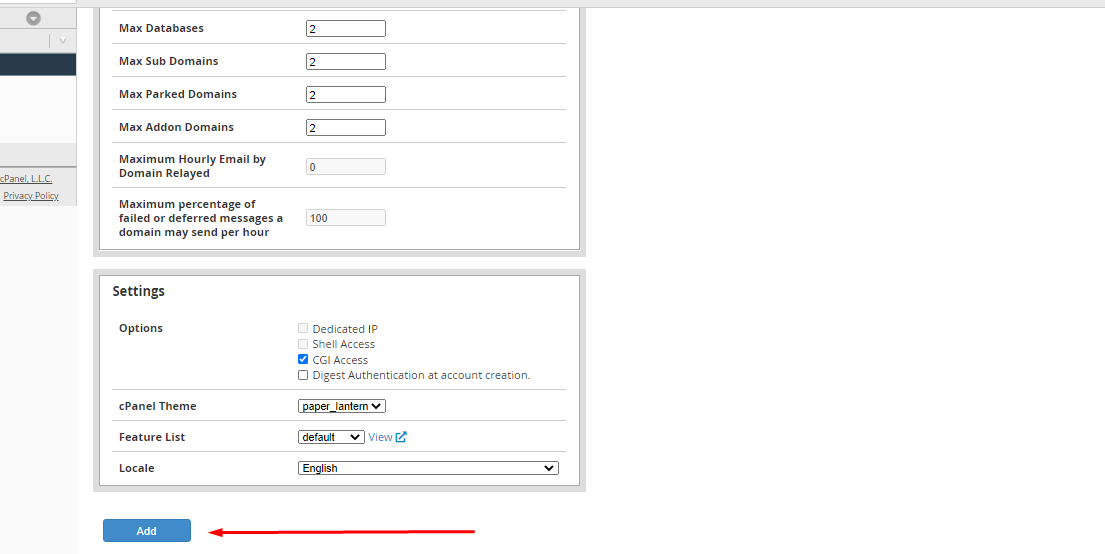
Fill in the required resource limits and settings based on how you want the package to function. After confirming all details, click Add to complete the process.
Your new cPanel package is now ready for use and can be assigned to hosting accounts.
For a better understanding of what packages are and how they work, you can explore our detailed guide on packages and related information.
