
Creating your email account in DIrectAdmin is very easy. Just follow these steps:
- Log in to your DirectAdmin account.
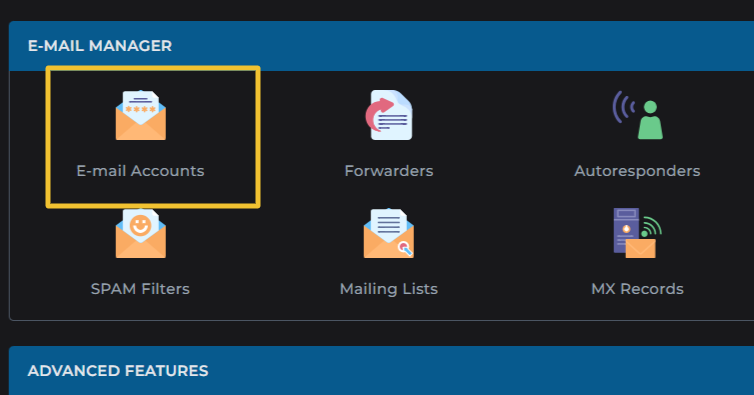
- Go to the Email Manager section and click on Email Accounts
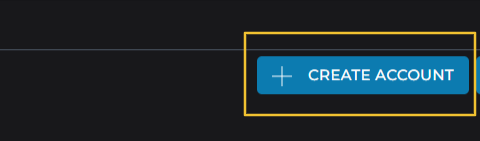
- Click on the Create Account button located at the top right.
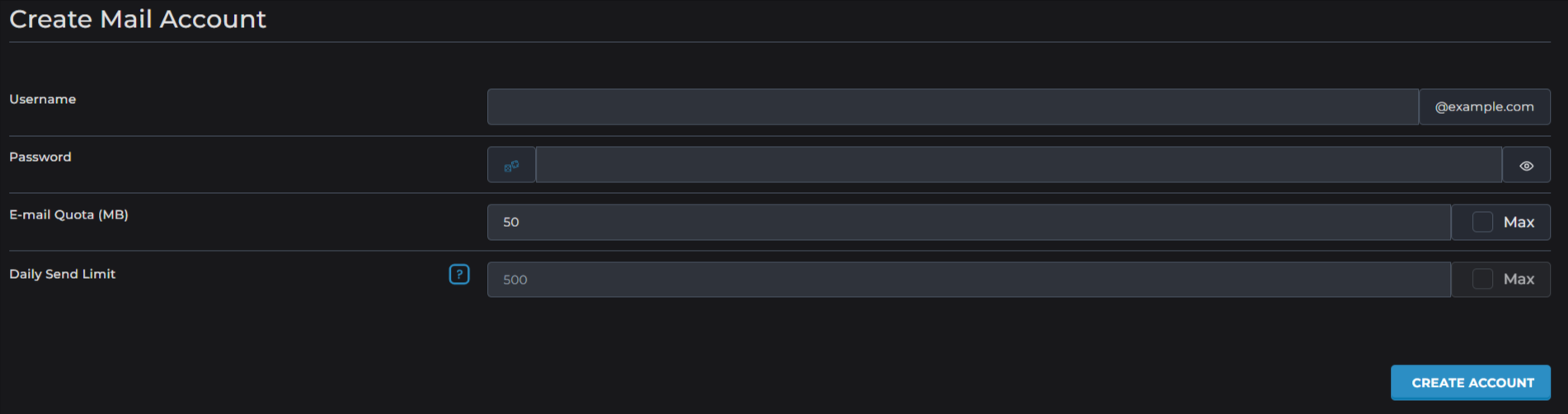
- Fill in your preferred username and choose a strong password.
You can also use the random password to generate a strong password as well.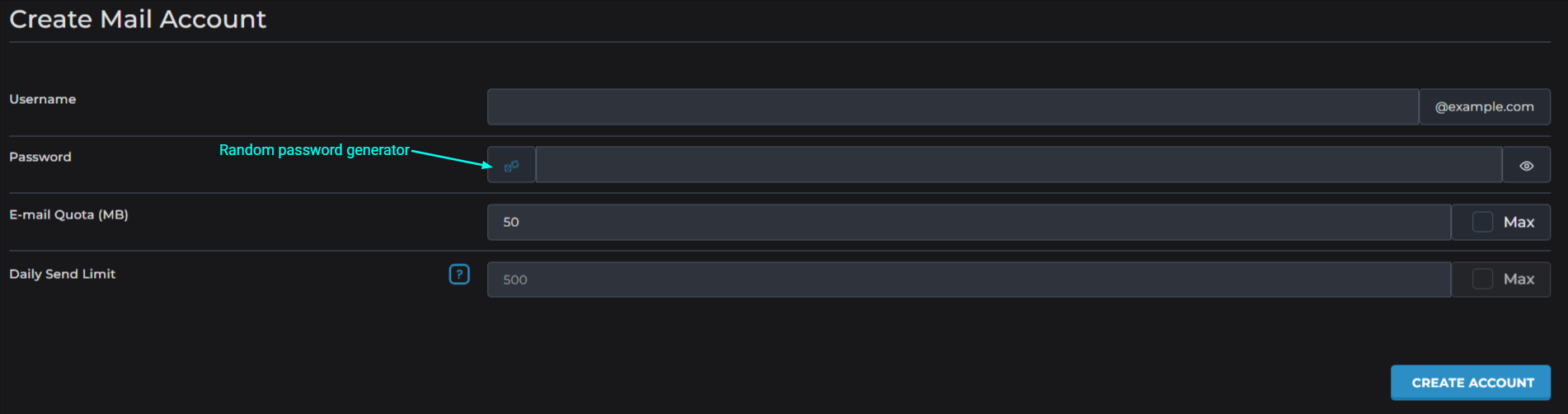
Make sure to save your password safely. - Click the Create Account button, and your new email account will be ready for use.
Important Notes:
Initially, there are no active email accounts. Even if your main cPanel username looks like an email, you must create it as a proper email account to start using it.
