
- Log in to your cPanel.
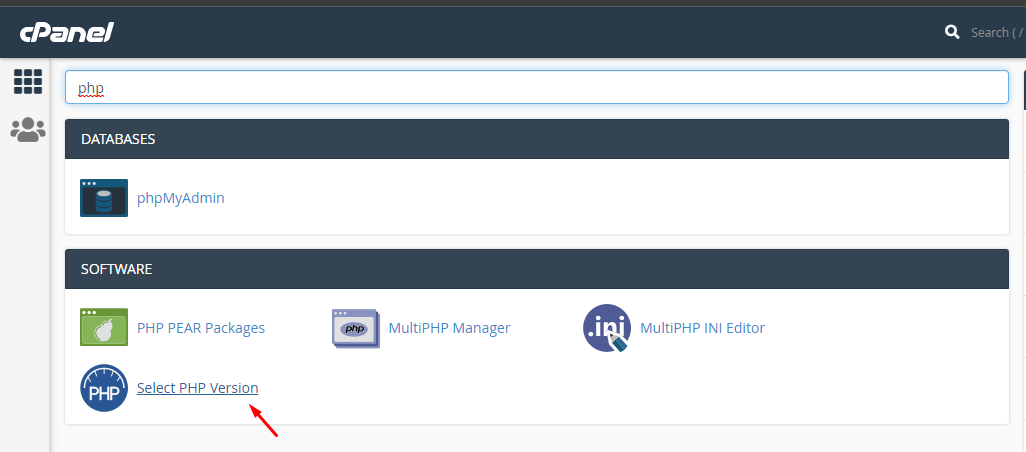
- Search for Select PHP Version
- Click on the drop-down and select the PHP version you want to upgrade to and select set as current

- Search for MultiPHP Manager. Click on the box beside your domain name, then click on the drop down, select Inherit and click on Apply -

If you’d like, you can also check out our video guide for a visual walkthrough. VIDEO
