
1. Log in to your WHM account.
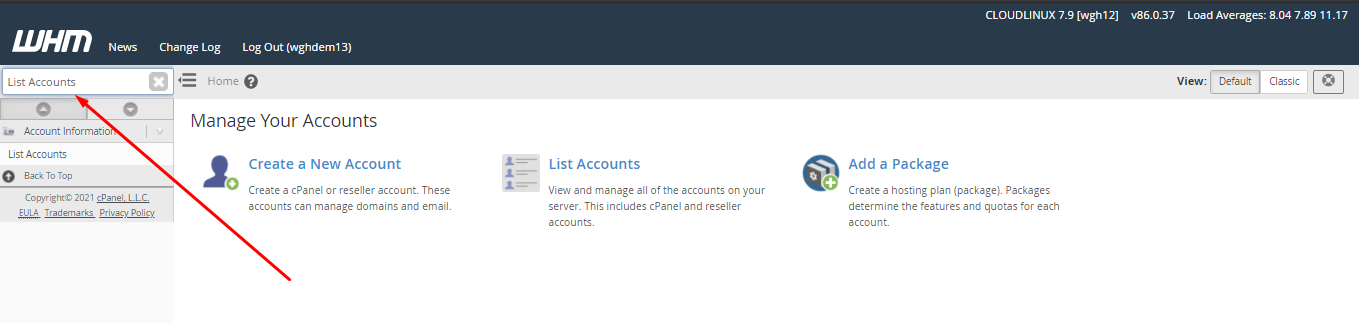
2. In the left-hand search bar, type List Accounts and select it.

3. Locate the cPanel account you wish to update.
4. Click the + icon beside the account’s domain name.

5. In the Change Password field, type your new password.

6. Click Change to save the update.

A confirmation message will appear, indicating the password has been successfully changed.

Congratulations, your password has been changed.
