
To modify an existing cPanel package in WHM:
1. Log in to WHM at yourdomain/whm.
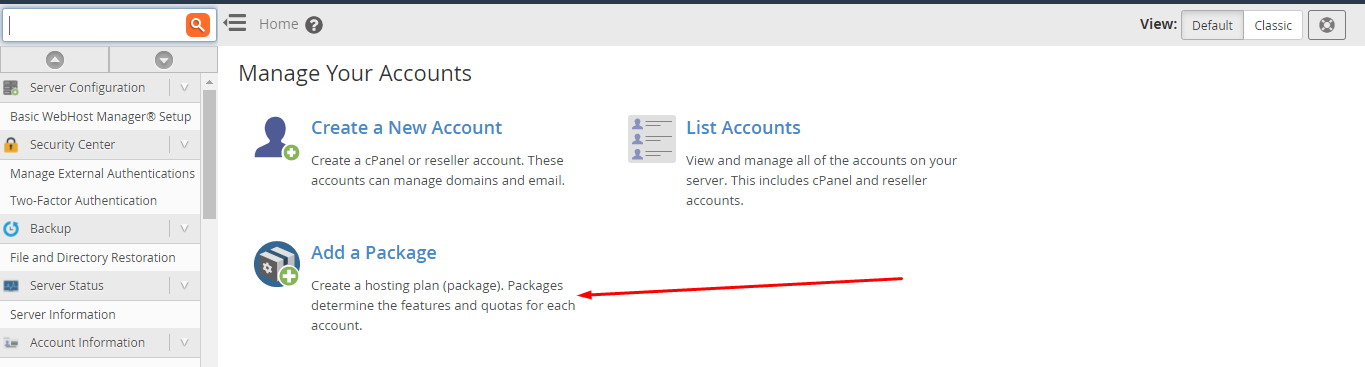
2. In the search bar, type Package and select Add a Package.
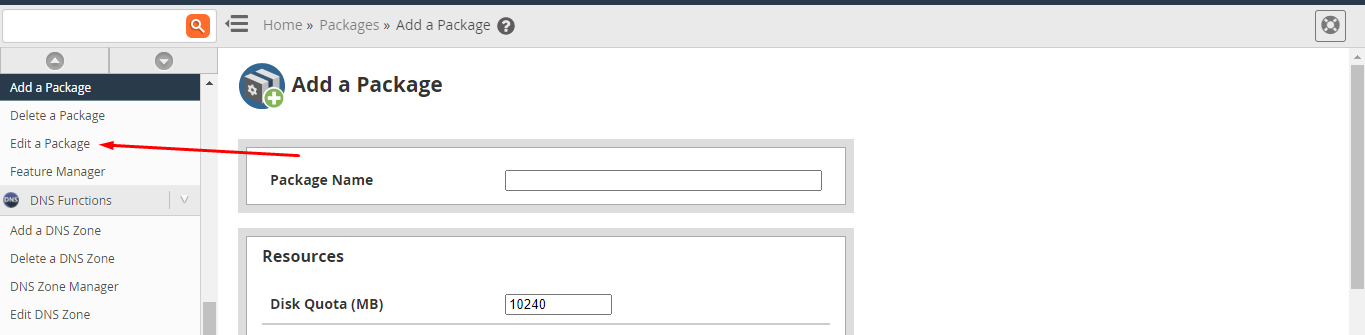
3. On the page, click Edit Package from the side menu.
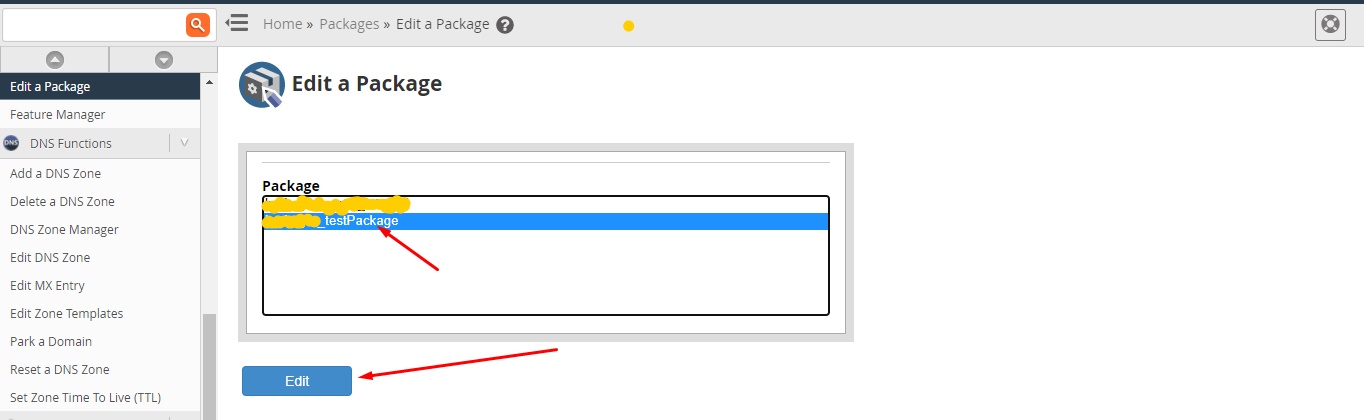
4. Choose the package you want to update and click Edit.
5. Make the necessary changes to the package resources (disk space, bandwidth, email accounts, etc.) and click Save Changes.
Your package has now been updated and will apply to all accounts using it.
